If your mobile ticket won't load before an event, don't panic, this is a common, fixable problem. In most cases, it happens because of weak venue Wi-Fi, cell tower overload from thousands of fans in one place, an outdated app, or a ticket that simply hasn't been released for mobile delivery yet. The fastest fix is to open your ticket wallet screenshot or PDF backup, switch your phone to airplane mode and back on, or pull up your account through a mobile browser instead of the app. Most tickets that "won't load" are actually already saved on your device — they just need a stable connection or a fresh app refresh to display the barcode. Ideally, you should download and save your mobile ticket to your phone's wallet at least 24–48 hours before the event, while you're still connected to home or hotel Wi-Fi, so you're not relying on venue signal at all. Below, we'll walk through exactly what to do in the moment, how to prevent it next time, and how ticket pricing across different platforms plays into all of this.
Why Won't My Mobile Ticket Load Before an Event?
The most common cause isn't your phone — it's the crowd. Stadiums and arenas packing in tens of thousands of fans create massive strain on local cell towers in the hour before kickoff or showtime. Even with full signal bars, your carrier may deprioritize data traffic when a tower is saturated, which is why the ticket app spins endlessly even though your phone "looks" connected.
Other common triggers for a digital ticket not loading include:
An outdated version of the ticketing app
A logged-out account or session timeout
A barcode that hasn't been released yet (some events hold mobile delivery until a few days before the show)
Corrupted app cache or a poor first-time app installation
Venue Wi-Fi that's either overloaded or requires a captive-portal login that times out
Understanding the "why" matters because it changes your fix. A weak-signal problem needs an offline backup. A login or app-glitch problem needs a browser workaround. A late-release problem just needs patience and a support call.
How Early Should You Download Your Mobile Ticket?
Ticket apps typically release mobile barcodes 3–7 days before an event, though high-demand shows sometimes hold delivery until 24–48 hours prior for anti-fraud reasons. As soon as your ticket becomes available:
Open the app while connected to stable home or hotel Wi-Fi.
Add the ticket to your phone's digital wallet (Apple Wallet or Google Wallet), not just the app itself.
Take a clear screenshot of the barcode as a backup — even though rotating barcodes are more secure, a screenshot can help staff manually verify your seat if scanning fails.
Confirm your app is fully updated the night before, not the morning of.
Doing this removes the venue's cell congestion entirely from the equation, since your wallet pass works offline once it's saved.
What to Do If Your Mobile Ticket Won't Load Right Now
If you're standing at the gate and the ticket app is spinning, work through these steps in order:
Check your digital wallet first. If you added the ticket earlier, it may already be sitting in Apple Wallet or Google Wallet and doesn't need an internet connection at all.
Toggle airplane mode on and off. This forces your phone to reconnect to the strongest available tower.
Switch from app to mobile browser, or vice versa. Ticketing platforms often have a lighter-weight web version that loads faster under poor signal.
Log out and back in. A stuck session is one of the most common reasons tickets fail to display.
Use your confirmation email. Many ticket confirmations include a direct link or a PDF version that doesn't require the app.
Ask venue staff for manual entry. Box office and gate staff can usually verify your purchase using your name, order number, or ID if the barcode won't display.
Keep your battery above 20% — since your phone is the ticket, a dead battery is functionally the same as a lost ticket.
Is a Screenshot of My Ticket Valid for Entry?
It depends on the event. Many major venues now use rotating barcodes that refresh every few seconds specifically to prevent screenshots and scalping, meaning a static image won't scan at the gate. However, some smaller venues and print-at-home tickets still accept a screenshot or PDF as valid entry. When in doubt, treat the screenshot as a backup proof-of-purchase rather than your primary ticket, and always try to have the live app or wallet pass ready as your main entry method.
What If There's No Wi-Fi or Signal at the Venue?
Free public Wi-Fi at large venues is often unreliable — with tens of thousands of devices competing for bandwidth, it can be slower than using no Wi-Fi at all. Your best defense is preparation:
Download and save tickets to your wallet before you leave home.
Consider a local eSIM or your carrier's data plan if you're traveling from out of town, so you're not solely reliant on venue infrastructure.
Arrive 30–45 minutes earlier than usual during major events, giving staff time to manually verify entry if scanning is slow.
Where Should You Buy Tickets to Avoid This Next Time? (Price & Platform Comparison)
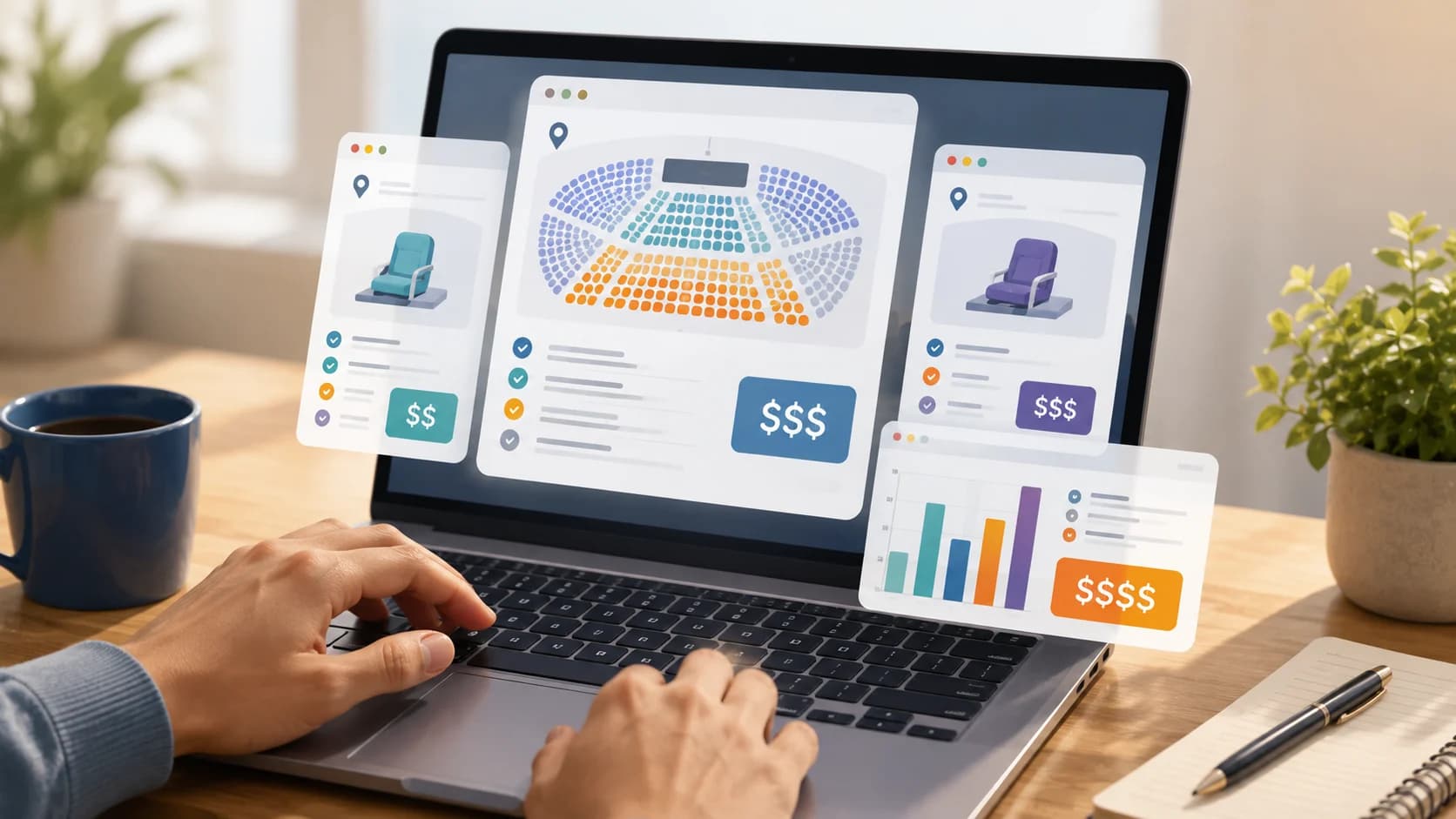
Ticket delivery problems are far less stressful when you already trust the platform you bought from — and pricing varies more than most fans expect. Here's a general breakdown of how the three main types of ticket platforms typically differ:
| Platform Type | Typical Pricing Model | Fees | Best For |
|---|---|---|---|
| Official primary ticketing platform | Face value at on-sale, dynamic pricing for high-demand events | Service fees often add 20–30% at checkout | Guaranteed official inventory, presales, verified fan access |
| Price-comparison / aggregator platform | Pulls listings from multiple resale marketplaces into one search | Fees vary by the underlying marketplace shown | Shoppers who want to see the widest range of prices in one place before buying |
| Resale/secondary marketplace | Market-driven pricing based on demand, with "Deal Score"-style tools to flag fair value | Often uses all-in pricing (fees included in the listed price) | Sold-out events, flexible seat selection, transparent total cost |
As a rough example: a mid-tier NBA or NFL ticket listed around $120 face value can end up anywhere from $110 to $180+ by the time fees, seat location, and demand are factored in — depending on which type of platform you use and how close to game day you buy. Official primary platforms are usually cheapest during the initial on-sale, while resale marketplaces tend to offer better value once an event is sold out or last-minute sellers drop their prices.
Rather than checking one site and hoping for the best, it's worth taking the time to Compare Event Tickets Across Major Sites before you buy — differences in fees and seat pricing can easily run into tens of dollars per ticket.
When Should You Contact Box Office or Customer Support?
If you've tried the steps above and your ticket still won't load within two hours of the event, contact the platform's live support or the venue's box office directly rather than continuing to troubleshoot on your own. Have your order confirmation number, the email used for purchase, and a photo ID ready this is usually enough for staff to verify and re-issue access even without a working barcode.
Conclusion
A mobile ticket that won't load is almost always a connectivity or timing issue, not a lost ticket. The single best habit you can build is downloading your ticket to your phone's wallet 24–48 hours in advance, while connected to reliable Wi-Fi, so venue congestion never becomes your problem. And for future events, spending five extra minutes to compare pricing across platforms can save you real money — and help you buy from a source you trust to actually deliver a working ticket on game day.
FAQ
Why isn't my mobile ticket loading?
It's usually one of three things: the venue's cell towers are overloaded with fans all connecting at once, your ticket app needs an update, or the mobile barcode simply hasn't been released yet by the organizer. Saving your ticket to your phone's wallet in advance sidesteps all three.
What should I do if my QR code won't scan?
Raise your screen brightness to maximum, make sure you're showing the correct, current ticket (not an old order), and hold your phone steady a few inches from the scanner. If it still fails after a couple of tries, ask staff to do a manual lookup instead of repeatedly re-scanning.
Can the venue look up my ticket?
Yes. Most venues can verify your purchase manually using your order confirmation number, the email address used to buy the ticket, or a photo ID — even if your barcode won't load or scan.
Do mobile tickets work without internet?
Yes, but only if you've already saved the ticket to your phone's wallet (Apple Wallet or Google Wallet) beforehand. A wallet pass is stored on your device and displays without any active internet connection, unlike a ticket you're trying to load fresh from the app or a browser.
Can I use a screenshot of my ticket?
Sometimes. Venues using rotating barcodes that refresh every few seconds won't accept a static screenshot, since it can't display the current code. Treat a screenshot as a backup proof-of-purchase, not your primary entry method, and always check the specific event's policy beforehand.
Should I arrive early if my ticket isn't loading?
Yes. Giving yourself an extra 30–45 minutes provides a buffer for troubleshooting, manual verification by staff, or a support call — without the added pressure of missing the start of the event.
How do I add my ticket to Apple Wallet or Google Wallet?
Open your ticket in the official app or confirmation email and look for an "Add to Wallet" button. This saves an offline version to your phone that works without an internet connection at the venue.